
Cloud accounting features
What can cloud accounting handle each month?
Cloud accounting covers the recurring work of a finance team: recording transactions in a KRW general ledger, reconciling banks, tracking who owes you and whom you owe, and preparing VAT figures for Hometax. Know what to expect before you compare products.
The six capabilities
From the ledger outward, these are the jobs a cloud system does for you
Each capability below answers one recurring question your finance team asks every month. Read the six in order and you will know what to test when you compare products.
-
01
General ledger in KRW
The ledger is the central record. Every sale, purchase, payroll entry, and adjustment posts to accounts you define in your chart of accounts. Korean SMBs usually keep the chart compact, with separate VAT input and output accounts that map cleanly to the return. Zoho Books, Xero, and QuickBooks all provide this core well; WEHAGO T structures it around Korean tax accounts from the start.
-
02
Bank reconciliation
Reconciliation matches bank statement lines to ledger entries. A good routine imports statements regularly, matches recurring items, and leaves exceptions for human review. Teams that reconcile weekly close faster than teams that wait until month-end. Global tools are known for bank feeds, but Korean statement formats still need a careful first mapping.
-
03
Accounts payable and receivable
Payables track supplier bills, due dates, and VAT input evidence. Receivables track customer invoices, e-tax invoice issuance, and collection. Aging reports show what is overdue and by how long. Small firms often start with receivables discipline first, because late customer payments cause more disruption than any software limit.
-
04
VAT and electronic tax invoices
Korean routines center on VAT codes and e-tax invoice matching. Each transaction carries a tax treatment that flows to the VAT summary. Electronic tax invoices issued to customers must match recorded sales; supplier invoices must match claimed input. Local platforms keep this loop tight. If you use a global app, define where e-invoice records live and who reconciles them before filing.
-
05
Reporting and month-end close
Standard reports include profit and loss, balance sheet, and VAT summaries. A practical close runs in sequence: finish invoicing, reconcile banks, review payables and receivables, check VAT codes, then lock the period. Rushing the lock is a classic beginner error. Leave time for corrections.
-
06
When features point toward ERP
If you manage inventory, purchasing approvals, or multi-entity consolidation, basic accounting features run short. That is where Oracle NetSuite, SAP S/4HANA Cloud Public Edition, or OmniEsol enter the conversation, combining accounting with operations. Our comparison page describes that threshold in workload terms.
Facing lanes
Two sides of the same ledger, judged on one paper
Cloud accounting platforms solve the same problem from two directions. A recording lane keeps KRW entries and VAT codes straight; a closing lane keeps month-end tidy. Every platform answers both, but they spend their budget differently.
Lane A — recording & filing
The Korean filing desk
A compact chart of accounts with separate VAT input and output accounts, an e-tax invoice loop that reconciles to Hometax, and a close that starts from the KRW ledger. Budget and evidence sit side by side.
Lane B — reporting & close
The month-end desk
Standard reports, trial balance, aging view, and a lock that runs in fixed order. Reconcile weekly, review payables and receivables before the lock, leave room for one correction pass.
-
VAT treatment
Lane A — Single VAT code per transaction, mapped to the return as you post.
Lane B — VAT summary reviewed during close, before the period locks.
-
E-tax invoice matching
Lane A — Issued invoices reconciled to recorded sales weekly.
Lane B — Supplier invoices checked against claimed input before filing.
-
Hometax preparation
Lane A — Figures prepared from the ledger, checked against issued invoices.
Lane B — VAT codes rechecked before the close, so nothing posts out of turn.
-
KRW handling
Lane A — Every posting in won, tabular, no rounding guesswork on the row.
Lane B — Balances checked in won totals before the trial balance is read.
-
Multi-entity
Lane A — Single-entity systems read cleanly; a second set of books needs care.
Lane B — Consolidated close is where ERP options enter the conversation.
-
Where the cost sits
Lane A — Per-seat pricing and local filing time dominate the monthly line.
Lane B — Reporting depth and close support are what you pay for on top.
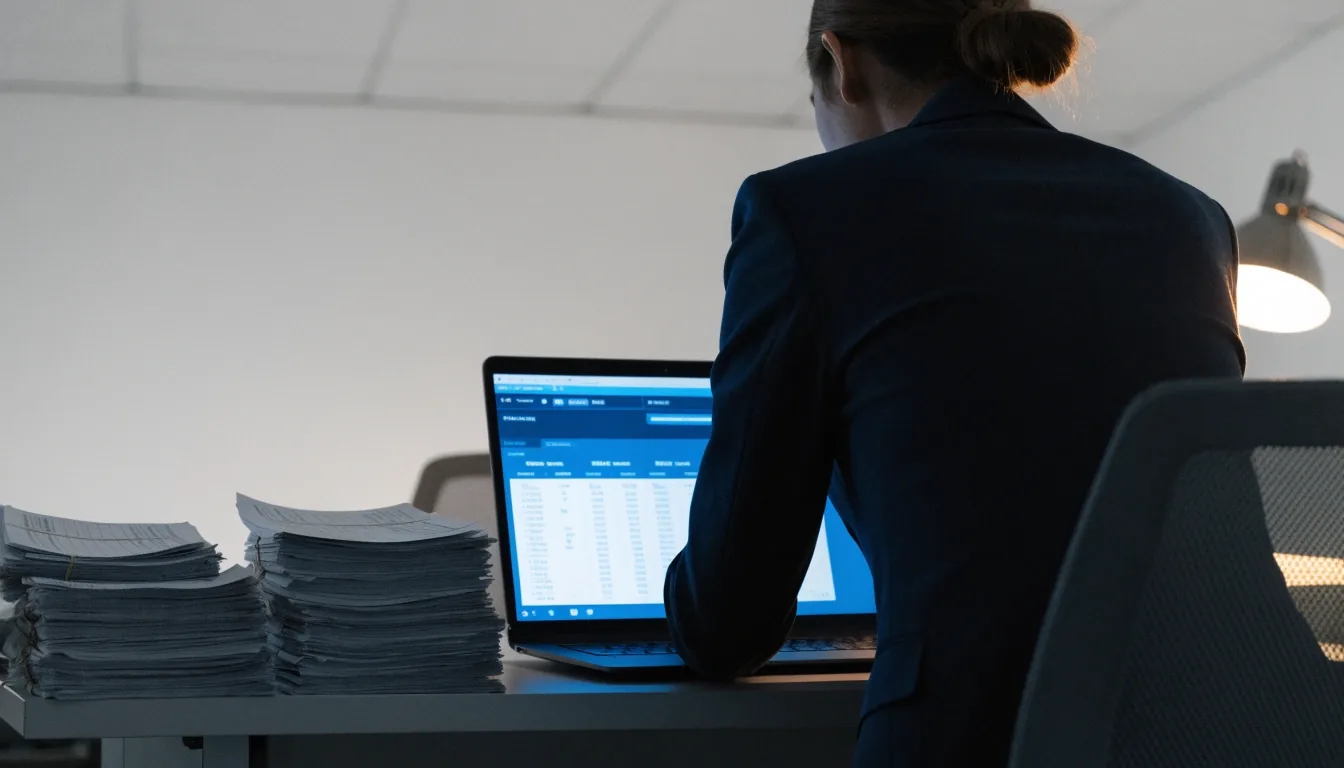
The reconciliation scene
Bank reconciliation is the row-by-row work that makes the numbers agree
Every statement is imported, matched to a ledger entry, and left as an exception if it does not fit. The goal is not a cleanly formatted dashboard; the goal is that the ledger and the bank agree on the same date, in the same currency, to the same figure.
Weekly is the routine most small firms settle on. Monthly works, but the corrections pile up, and the luck of finding them before the VAT return narrows.
Payables & receivables
Aging reports are the honest answer about who owes whom, and for how long
Payables track supplier bills, due dates, and the input VAT evidence you will need. Receivables track customer invoices, e-tax invoice issuance, and the money that actually arrives. An aging report groups both sides by how long they have sat open, so a slow customer shows up before it becomes a cash problem.
Most small firms start with receivables discipline. Late customer payments cause more disruption to operations than any feature limit on the software side, and a single weekly review of the aging view is often enough to keep them in check.
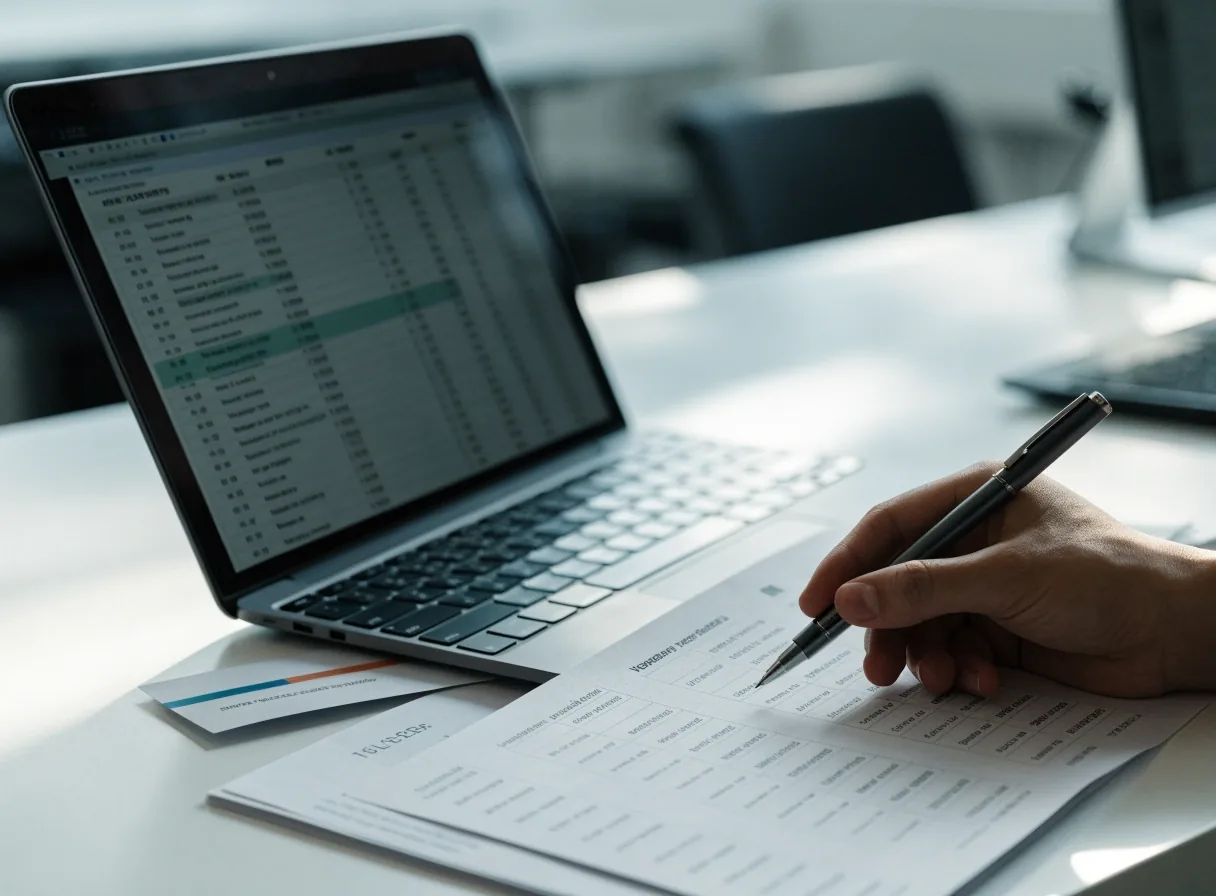
Reading the two sides as one routine
Every supplier bill carries a due date and an input tax record
Enter the invoice once with its evidence attached; the due date drives the payment batch and the VAT input claim together.
Customer invoices go out with the e-tax invoice
Issuance and the ledger entry are one loop: the recorded sale matches the invoice the customer receives and the one you file to Hometax.
The aging view gets read once a week
Anything past thirty days gets a phone call before it becomes a filing concern. The list is the discipline; the list is what makes the difference.
Collections land in the same ledger
When the payment arrives it closes the invoice in the ledger and clears the aging row at once, so nothing lingers past its truth.

VAT & e-tax invoices
Every transaction carries a VAT code, and every Hometax filing starts there
Korean VAT routines center on two habits: each transaction carries the tax treatment that flows to the VAT summary, and every e-tax invoice issued to a customer reconciles to recorded sales. On the input side, supplier invoices must match the input VAT you claim, before the return is filed.
Local platforms keep that loop tight because Hometax is a first-class workflow, not an integration. If you use a global app, decide up front where e-tax invoice records live and who reconciles them to the ledger. That one decision saves more time than any reporting template.
- Output VAT
- Sales-side tax collected on issued invoices, summed to the return.
- Input VAT
- Purchase-side tax on supplier bills, claimed only with evidence attached.
- E-tax invoice
- Issued to the customer and matched to the recorded sale before filing.
- VAT summary
- Read at close, from the same ledger that produced the entries.

Month-end close
Reading the close in five moves, in this order
A month-end close runs best in sequence. Rushing the lock is a classic beginner error; a short, repeatable routine leaves room for corrections.
-
01
Finish invoicing: every sale issued and recorded.
-
02
Reconcile banks: statements imported, matches cleared, exceptions left for review.
-
03
Review payables and receivables: aging reports read, overdue items triaged.
-
04
Check VAT codes: output and input treatment revisited on the touching rows.
-
05
Lock the period: only after the corrections you already know about are in.
Where to go from here
These features are the same six capabilities every cloud accounting platform in this market tries to deliver. Which one you choose depends less on the feature list and more on where your team spends its time.
- Compare platforms by fit Cloud accounting, ERP options, and where each product spends its budget.
- Plan an implementation Weeks one to six: chart of accounts, bank mapping, e-invoice loop, first close.
- Read the FAQ Common questions from Korean SMBs about cloud accounting and Hometax.
- Contact Tulphenix Reach the team in Gangnam-gu, Monday to Friday, 9:00 AM – 6:00 PM.
Tulphenix publishes plain-English guidance on cloud accounting and ERP for Korean businesses. Address: 14 Teheran-ro 88-gil, Gangnam-gu, Seoul 06179, South Korea. Phone +82 2-6167-8357 · [email protected].