
Implementation Guide
Move to cloud accounting without breaking tax work
A practical migration protects VAT filings, e-tax invoice records, and month-end close while you switch systems. This guide outlines a sequence that keeps finance running during the move, with notes for KRW charts of accounts and Hometax timing.
- 01 Start from your filing calendar VAT timing
- 02 Clean the chart of accounts in KRW Chart of accounts
- 03 Set up e-tax invoice routines early E-invoicing
The sequence
Six steps, in the order they keep filings safe
The order matters more than the calendar date. Each step below exists to protect one thing: a number that a Korean tax office, a bank, or a closing accountant will check later.
Work the list left to right with your own calendar open. Adjust the dates; keep the order.
- 01 Start from your filing calendar Plan the cutover around VAT deadlines, not vendor timelines. Avoid switching in the final week before a filing.
- 02 Clean the chart of accounts in KRW Keep the chart compact and map VAT input and output accounts explicitly. Archive duplicate accounts rather than deleting history.
- 03 Set up e-tax invoice routines early Define where electronic tax invoices are issued, who matches them, and how reissued invoices are corrected.
- 04 Migrate balances reconciled, not raw Reconcile banks, confirm receivable and payable balances where material, and carry forward only clean opening balances.
- 05 Train the month-end close Write the close as a sequence your team can run without the previous system open in another window.
- 06 When ERP changes the plan Moves to an ERP add data migration for inventory, open purchase orders, and approval rules.
Step 01 — Filing calendar
Start from your filing calendar, not a vendor timeline
Plan the cutover around VAT deadlines. Avoid switching in the final week before a filing, when every journal entry is being read by someone who will not have time to correct it. A quiet mid-period start gives you room to fix tax-code mapping before figures matter.
Seoul service firms often pick the first week of a VAT period for this reason: the previous filing is closed, the next one is weeks away, and the bookkeeping team can pause the old system mid-week without a submission due that night.
What to check before you book the switch
- Where the current filing period sits — how many working days remain before the VAT return is due.
- Whether anyone on the finance team is on leave across the cutover week.
- Who can be reached on the day the old system is stopped, in case a posting fails.
- Whether customer invoicing has a scheduled run that must not miss its usual date.
Step 02 — Chart of accounts in KRW
Clean the chart of accounts before you move a single balance
The chart of accounts is where most migrations go quietly wrong. Accounts accumulate over years — a duplicate receivable code from a system change, an old cost centre nobody uses, a tax code applied to the wrong direction of VAT. Keep the chart compact when you move it. Map VAT input and output accounts explicitly so the summary reads cleanly at filing time.
Archive duplicate accounts rather than deleting them. Historical balances still reference those codes in prior filings, and an accountant who needs to reconcile a past period should be able to find them.
The single check
Run one full VAT summary from the new chart before migrating balances.
If the VAT input and output totals reconcile in the new chart on their own, most post-migration corrections stop there. If they do not, you have found the mapping error while the old system is still open.
Keep, in the new chart
Compact structure
-
VAT input accounts
One explicit account per purchase tax type you actually file, named so a new hire can find it.
-
VAT output accounts
Kept separate from input, so the summary report never has to untangle them by sign.
-
Cost centres that are used
A short list your team recognises. Unused codes move to the archive, not the live tree.
Archive, never delete
Reference stays readable
-
Duplicate receivable codes
Old filings still reference these. Keep them out of new postings but on the record.
-
Retired cost centres
Prior-year reports stay intact; the current year starts from the short list.
-
Prior-period tax codes
Kept for lookup so a review of an earlier VAT return does not require a second system.
Step 03 — E-tax invoice routines
Set up e-tax invoice routines before the first invoice goes out
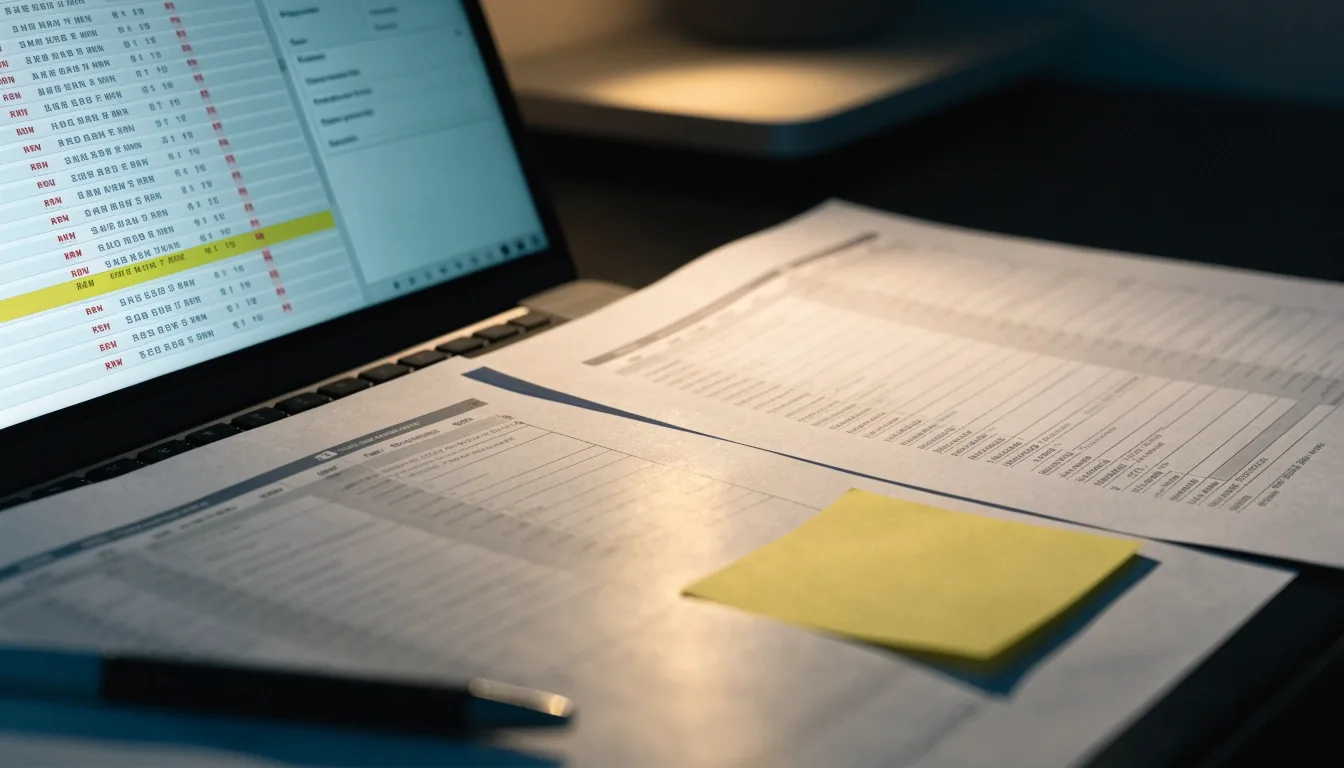
Electronic tax invoices are where drift begins quietly. If your accounting app does not issue compliant e-invoices directly, you are not blocked — you run a companion process alongside it. What matters is that someone owns the matching.
Unowned matching is what turns into a filing correction two months later. Write down the routine before migration week, not during it.
Where the invoice is issued
Name the system of record for outgoing electronic tax invoices at the moment you cut over. If two systems can issue, say which one owns the month.
Who matches invoices to sales and purchases
A named person, not a role. The matching is a daily or weekly habit, and it should survive someone being on leave.
How a reissued invoice is corrected
Write the correction path — who amends the record, which reference links it to the original, and how the adjustment reaches the VAT summary.
Where Hometax fits in the routine
Note which steps still happen on Hometax after the switch, so nobody assumes the cloud system covers a step it does not.
Step 04 — Balances
Migrate balances reconciled, not raw
Reconcile banks first. Confirm receivable and payable balances with counterparties where the amount is material. Carry forward only clean opening balances — every unclean balance you migrate becomes a question you answer twice.
Run the old and the new system in parallel for one month. This catches coding errors while the previous ledger still works as a fallback. Skipping this step is the costliest beginner mistake: it saves a month of doubled effort and costs a filing to explain.
Step 05 — Month-end close
Train the close as a routine, not a rescue
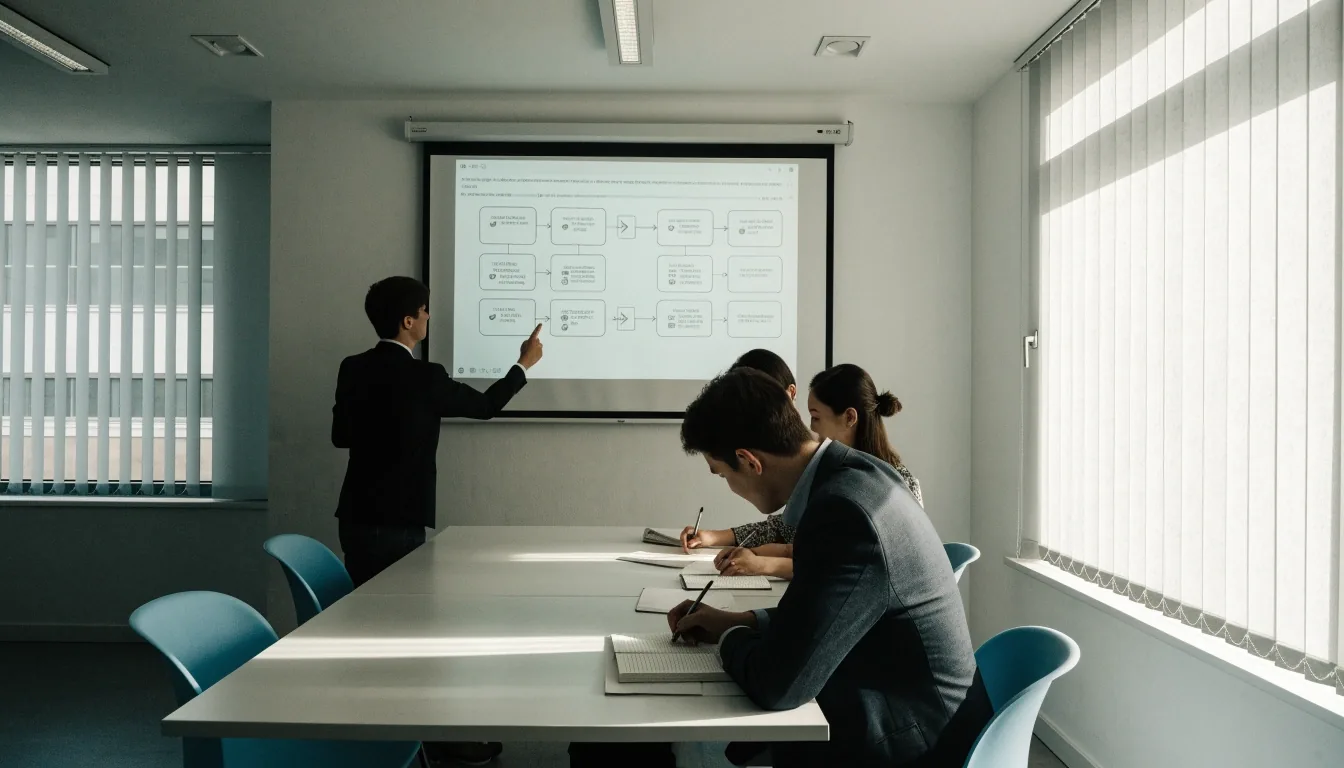
Write the close as a short sequence your team runs the same way every month. Give each step a name, not a role. Review the first two closes together and adjust the checklist where it reads awkwardly.
- 01 Finish billing Every sales invoice for the period issued before the close begins.
- 02 Reconcile banks Every bank account matched to the ledger down to the last statement line.
- 03 Review aging Receivables past due flagged against the customer before the period locks.
- 04 Verify VAT codes Input and output accounts confirmed against the period's transaction mix.
- 05 Lock the period Only after the figures have been read once by someone other than the person who entered them.
Assign each step to a name. Review the first two closes together — reading the list out loud usually reveals one step that was written as a role when it needed to be a person.
Step 06 — ERP moves
When ERP changes the plan
A move to an ERP is a larger project than a cloud accounting switch, and the sequence above still applies — it just gains three more data sets and a longer lead time. Involve operations staff early; the finance team alone cannot map inventory or approval rules.
ERP-scale moves
NetSuite, SAP S/4HANA Cloud Public Edition, OmniEsol
- Inventory on hand, including valuation method and location splits.
- Open purchase orders still waiting on delivery at cutover.
- Approval rules and thresholds that currently live in an email chain.
- Multiple entities or branches sharing one chart of accounts.
Narrower SMB moves
WEHAGO T, Xero, Zoho Books
- Ledger structure and the opening balances that sit inside it.
- Invoicing — outgoing sales and purchases, plus the matching routine.
- VAT mapping, kept explicit against the KRW chart of accounts.
- A shorter parallel run — usually one month is enough.
Filed
6
Steps, in the order that keeps a filing untouched. The sequence is short on purpose: each block above exists because leaving it out costs a correction later.
If you are weighing two systems before you commit to a sequence, the comparison page runs the same criteria side by side. If you have a specific question about your own chart or filing timeline, write to us — we answer from the desk, not from a script.
Filing desk
- Phone
- +82 2-6167-8357
- [email protected]
- Hours
- Monday to Friday, 9:00 AM – 6:00 PM
- Seoul office
- 14 Teheran-ro 88-gil, Gangnam-gu, Seoul 06179
Read on
Where the guide goes next
- Platform comparison Korean cloud accounting and ERP platforms read side by side against the criteria that matter at filing time.
- Cloud accounting features What a cloud accounting system needs to carry for a Korean SMB — VAT, e-invoicing, KRW handling, and the closing routine.
- Frequently asked questions Common questions about cloud accounting adoption in Korea — Hometax, KRW charts, VAT timing, and the migration handover.